Motion Control AI
Create motion-controlled videos from an image and a reference video.
Use AI motion control to make a photo follow real movement, replace a person in video AI workflows, or build a video person swap with your own character.
Image motion transfer - AI character swap - Free image to video generator
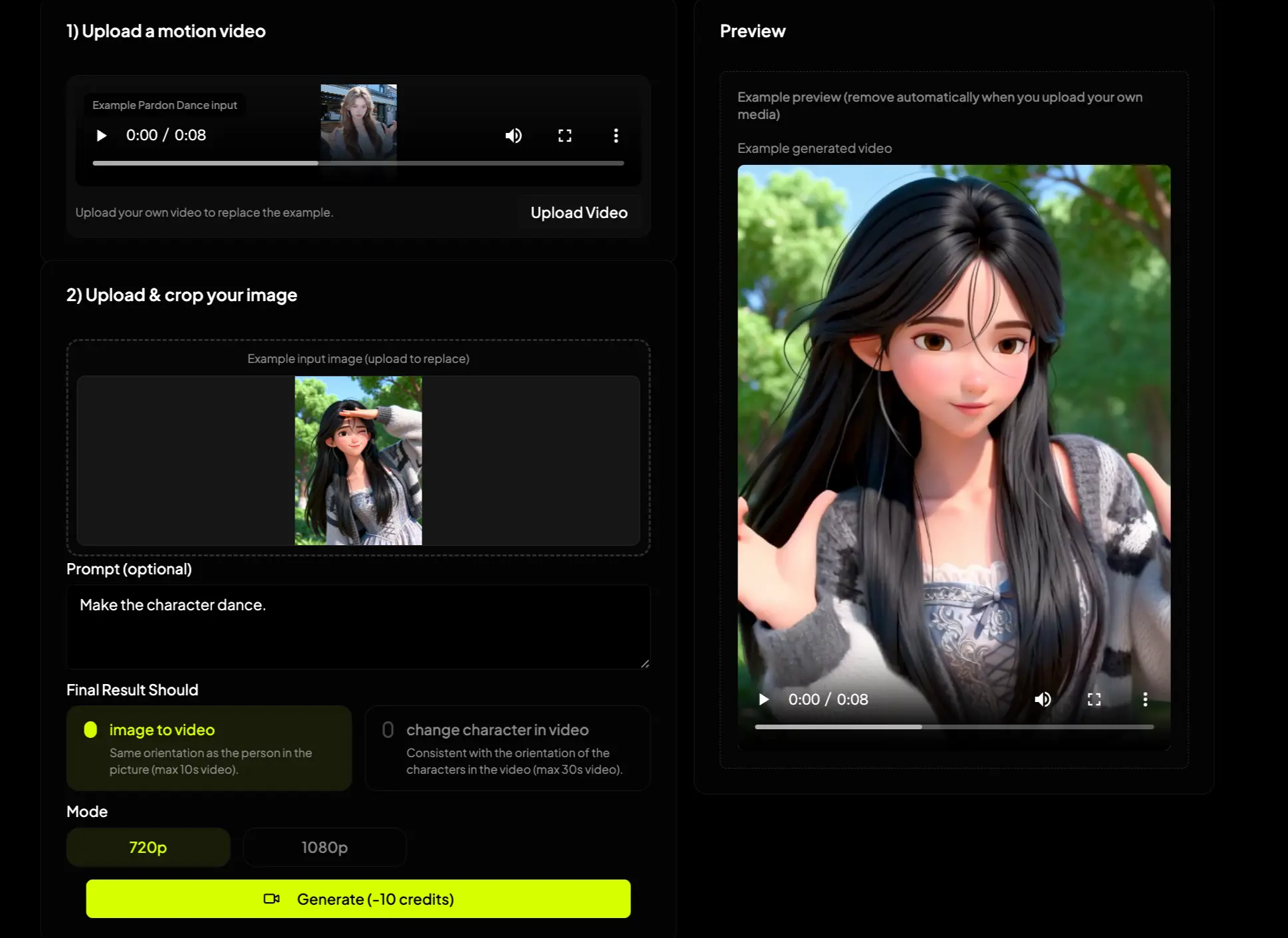
Motion Control AI user scenarios
Motion Control AI User Scenarios
Motion control AI is useful when the movement already exists, but the character, image, or final scene needs to change.
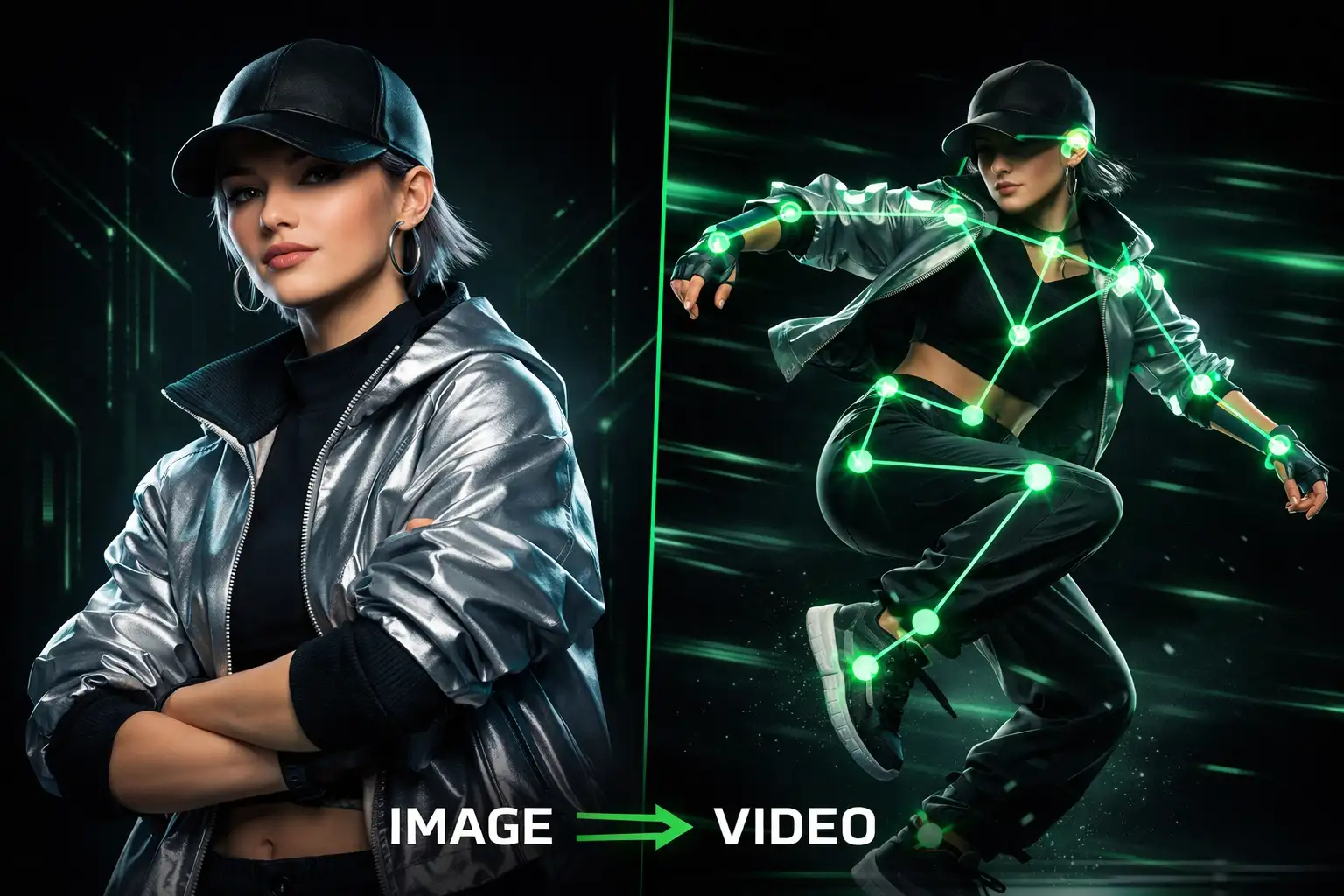
Make an Image Move Like a Reference Video
Upload a still image and a motion reference video. AI motion control maps the body movement, rhythm, and pose flow so the image moves like the original clip.
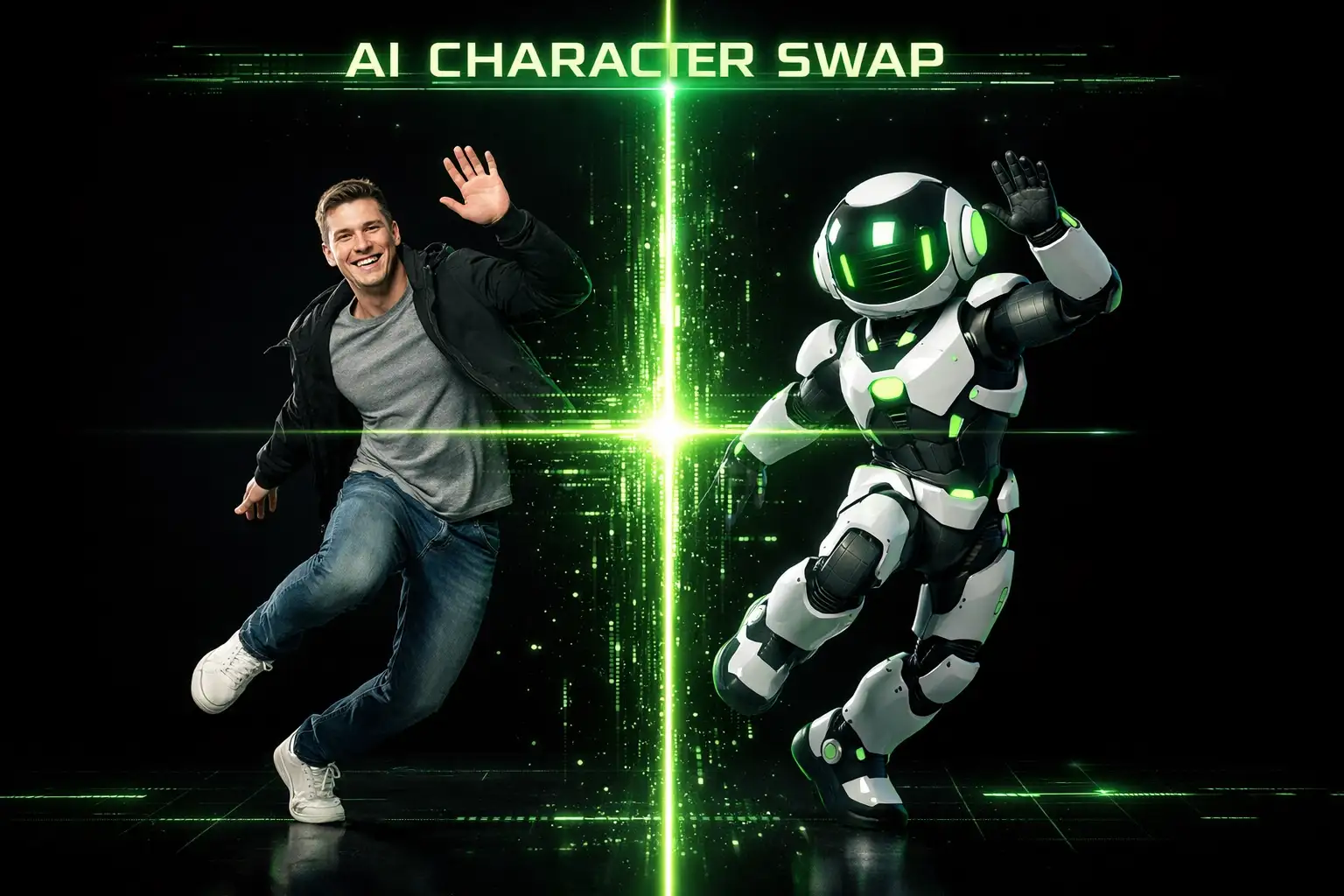
Replace Person in Video AI Character Swap
Use a supplied image to replace the person in a video. This video person swap workflow is ideal for AI character swap, AI body swap, meme avatars, mascots, and branded characters.
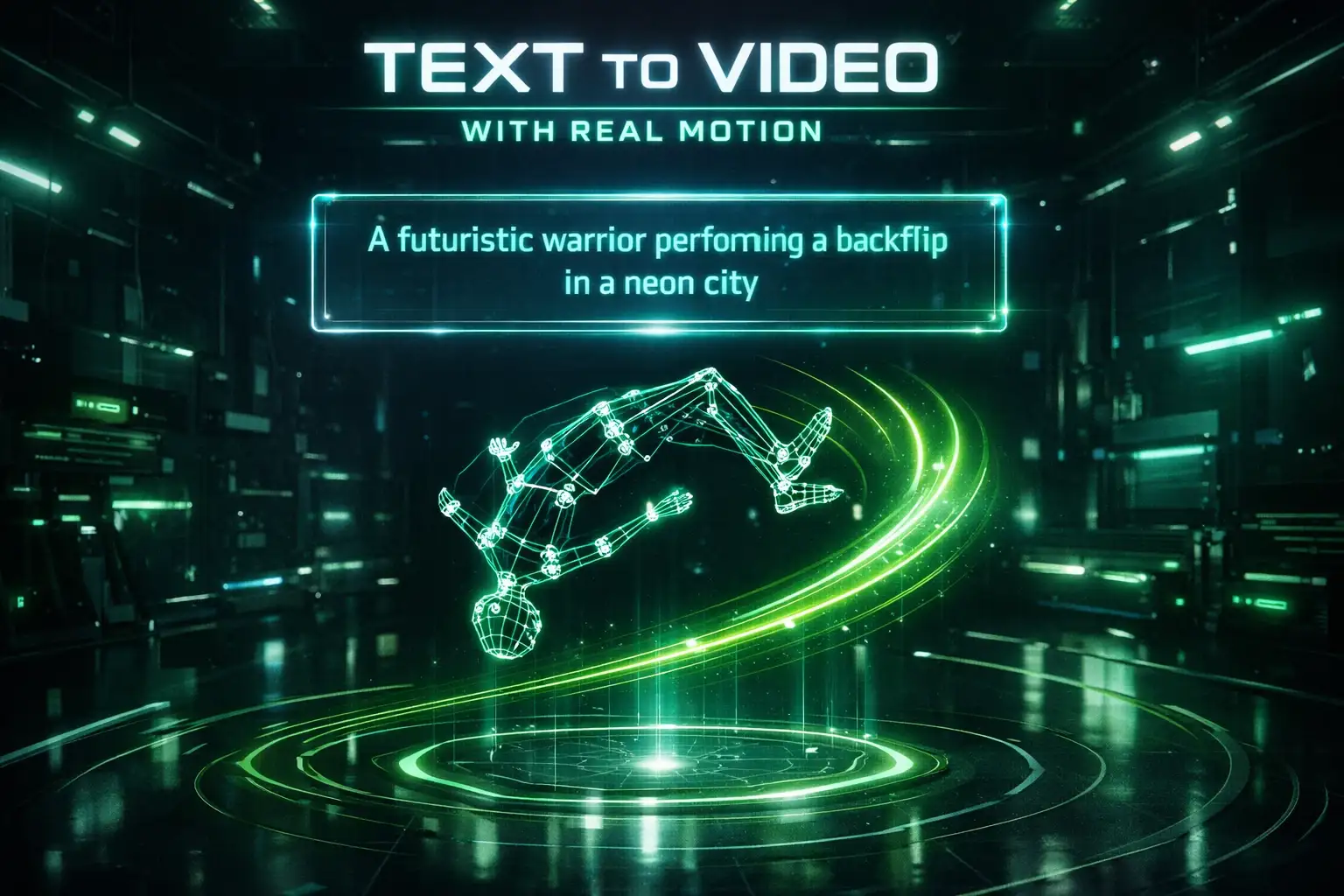
Drive Text to Video Ideas with Real Motion
Start with a text to video concept, then use a motion clip to guide the action. It helps creators keep movement specific instead of relying on vague prompts.
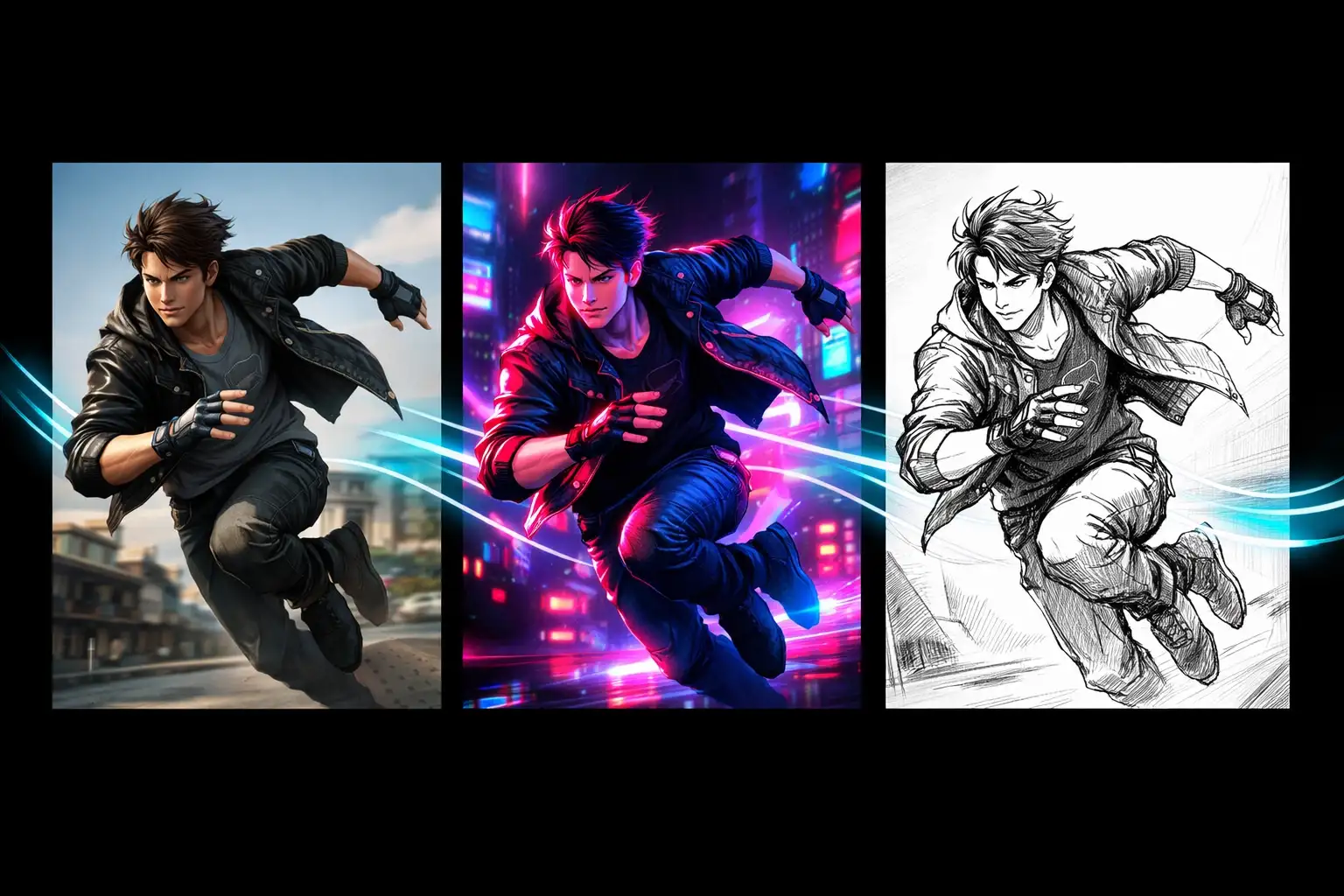
Modify Video Color, Action, and Scene Feel
Use prompts to steer color, mood, action, and visual style while preserving the movement path from the reference video.
Free Motion Control AI Video Generator Examples
Use a dance, product movement, baby dance, logo animation, or social video as the motion reference, then generate a new clip with your own image.
Motion Control AI Features for Kling Motion Control Creation
The workflow is designed around kling-3.0/motion-control: upload a character image, upload a motion video, then generate a new video that follows the reference movement.
Image Reference Video Motion Transfer
Turn a static image into a moving clip by transferring pose, gesture, rhythm, and timing from the video reference.
Video Swap and AI Character Swap
Create a video swap by replacing the visible person with your own image. It works for creators testing avatars, product mascots, AI character generator concepts, and AI body swap ideas.
Prompt-Guided Video Modification
Add a prompt to adjust color, action details, style, and scene direction while keeping the motion control path consistent.
How to Use Motion Control AI After Selecting a Video Clip
The steps are simple once you have the video segment you want to use as the motion reference.
Upload Your Image
Choose the person, character, logo, baby photo, mascot, or product image you want to animate.
Upload the Motion Video
Add the reference video clip. Motion Control AI reads the action and prepares it for the image to video generator workflow.
Generate the Final Video
Click to make the image move like the video or replace the video character, then download the generated result.
Who Uses Motion Control AI?
Motion Control AI is built for short-form creators, social teams, and anyone who wants repeatable motion without reshooting.
YouTube and TikTok creators
Turn trending dance videos into fresh clips for Shorts, Reels, and TikTok.
One-click trending dance remixes
Recreate popular dance motion with your own character image instead of filming a new performance.
BabyDance and cute character content
Use a baby photo, pet, toy, or cartoon image to copy adorable motion paths for playful social clips.
Logo and product motion paths
Let a logo, mascot, or product image follow a reference movement for ads, intros, and branded posts.
Motion Control AI Reviews from Creators
Creators use motion control when they need the movement to be precise, repeatable, and easy to remix.
"I used Motion Control AI to copy a trending dance with my own avatar. The timing was much easier than trying to prompt the dance from scratch."
Maya R.
TikTok Creator
"The image to video generator flow is direct: upload the character, upload the motion clip, generate. It fits my Shorts workflow."
Leo K.
YouTube Shorts Editor
"The video person swap workflow helps us test mascot content fast without filming every version again."
Nina S.
Social Media Manager
"Kling motion control gives me a reliable way to reuse movement while changing the character and style."
Andre P.
AI Video Creator
Motion Control AI FAQ
Answers for creators comparing motion control AI free tools, Kling motion control, video swap, and image to video generation.
Related Motion Control AI Features
Continue with adjacent AI Dance workflows for image animation, trend recreation, and character-based video creation.
Create a Motion Control AI Video Now
Use Motion Control AI free to make an image follow video movement, create a video swap, or test Kling motion control style character replacement in minutes.